Before & after — the same bot, fully rebranded to your server.
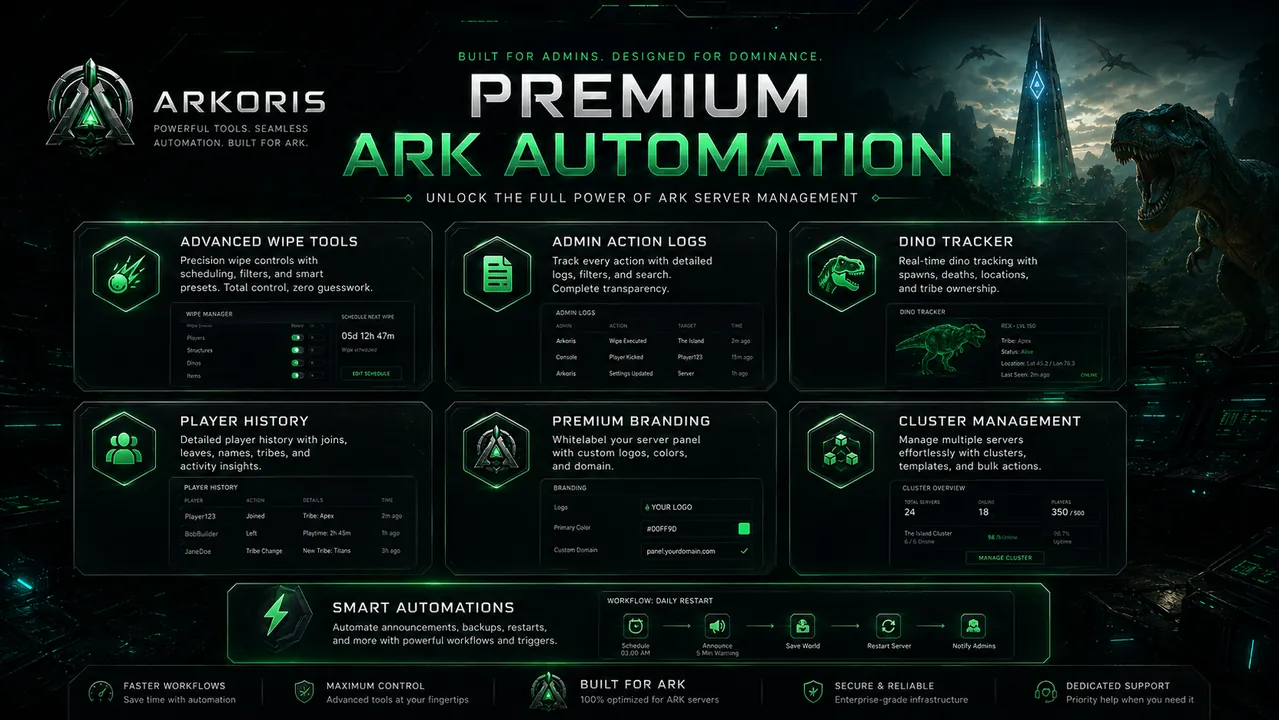
Premium servers can customize embeds, panels, charts, tickets, welcome messages, and dashboard previews to match their community identity.
Before & after — the same bot, fully rebranded to your server.
Note: Premium branding customizes embeds, panels, charts, and dashboard appearance per server. It does not give every guild a separate Discord bot application. Dedicated white-label bot instances may be added later as a separate offering.
Brand name, accent color, logo, and footer text apply consistently across the surfaces your members see.
Set a custom accent color across every bot embed. Override the "Arkoris" prefix in titles.
Show "Iron ARK Cluster Population" instead of "ARK Cluster Population".
Brand your ticket open panel with custom title, description, and embed color.
Customize the subscribe panel title and footer so it feels native to your community.
Welcome new members with your brand colors, logo, and footer.
Population charts and other dashboard panels use your accent color.
Optional footer line crediting your brand. "Powered by Arkoris" stays.
Branding is scoped per Discord server. Different guilds can have different brands.
Every branding field, its limit, and where your members see it — no guesswork.
The bot also applies a per-server nickname, avatar and banner for premium servers — members see your identity in the member list, not a generic bot. Your settings are validated before they save (https-only images, safe colors, no mass-mention text) and apply to new messages instantly.
Run /subscribe in your server — branding is included in the monthly plan, no extra tier.
Use /setup → Branding in Discord, or the Branding page in the web dashboard — both edit the same settings.
New embeds, panels, /pop boards, tickets and welcome messages use your brand immediately. Switch back anytime.
Premium branding is included in the monthly subscription.